August 9th, 2026

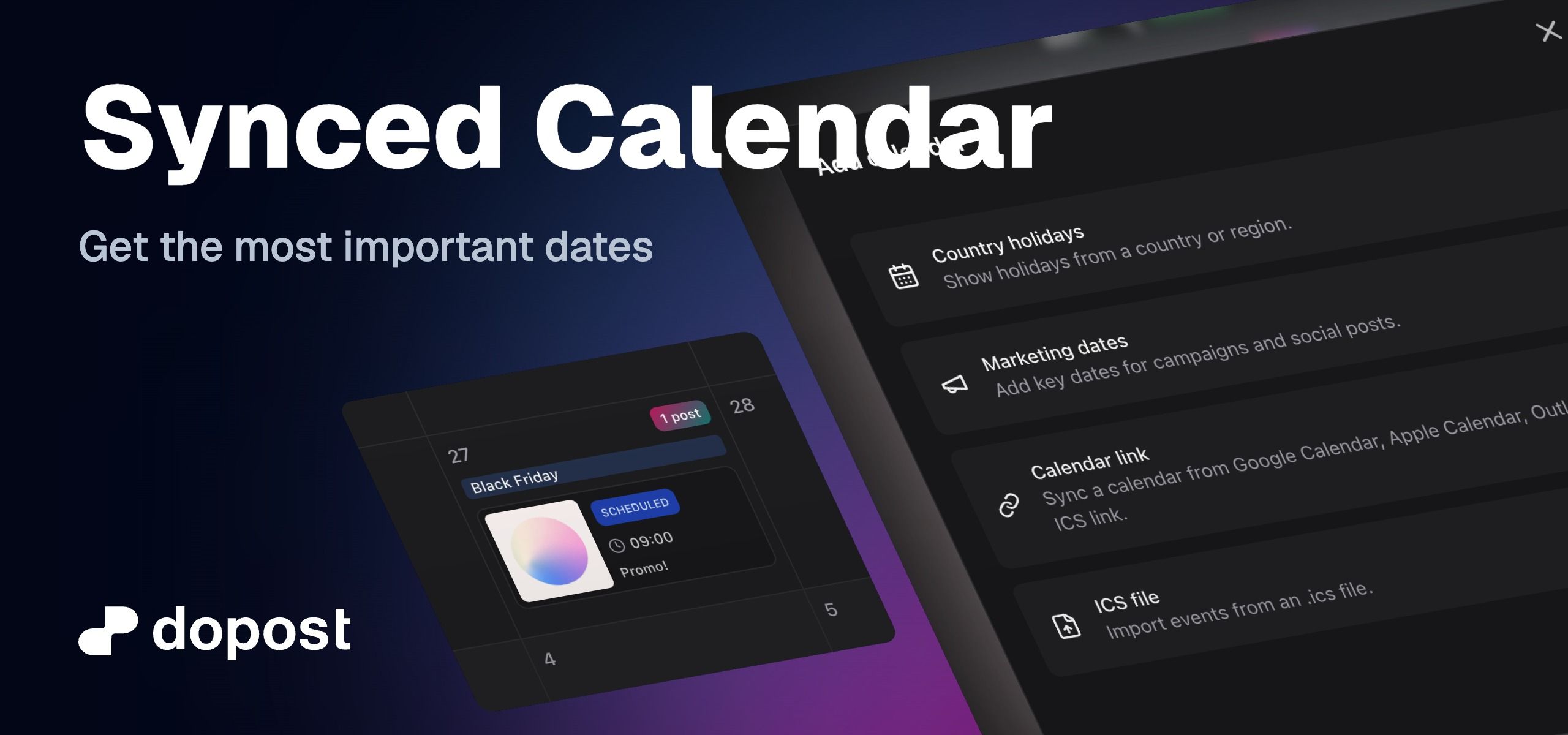
Your content calendar can now show important dates alongside your scheduled posts, making it easier to plan timely and relevant content without switching between tools.
You can now:
Add national or regional holidays from supported countries.
Add curated marketing dates for campaigns and social media planning.
Sync an external calendar using a Google Calendar, Apple Calendar, Outlook, or other compatible ICS link.
Import events directly from an .ics file.
Choose whether a calendar is visible only to you or to everyone in your workspace.
Assign colors to calendar sources so dates are easier to identify.
Show or hide individual calendars without deleting them.
Edit calendar details and manually refresh linked calendars when needed.
Important dates appear as compact, color-coded labels inside each day. Synced calendar will refresh every 30 minutes.
These dates are read-only planning references and do not affect your scheduled posts.
August 2nd, 2026

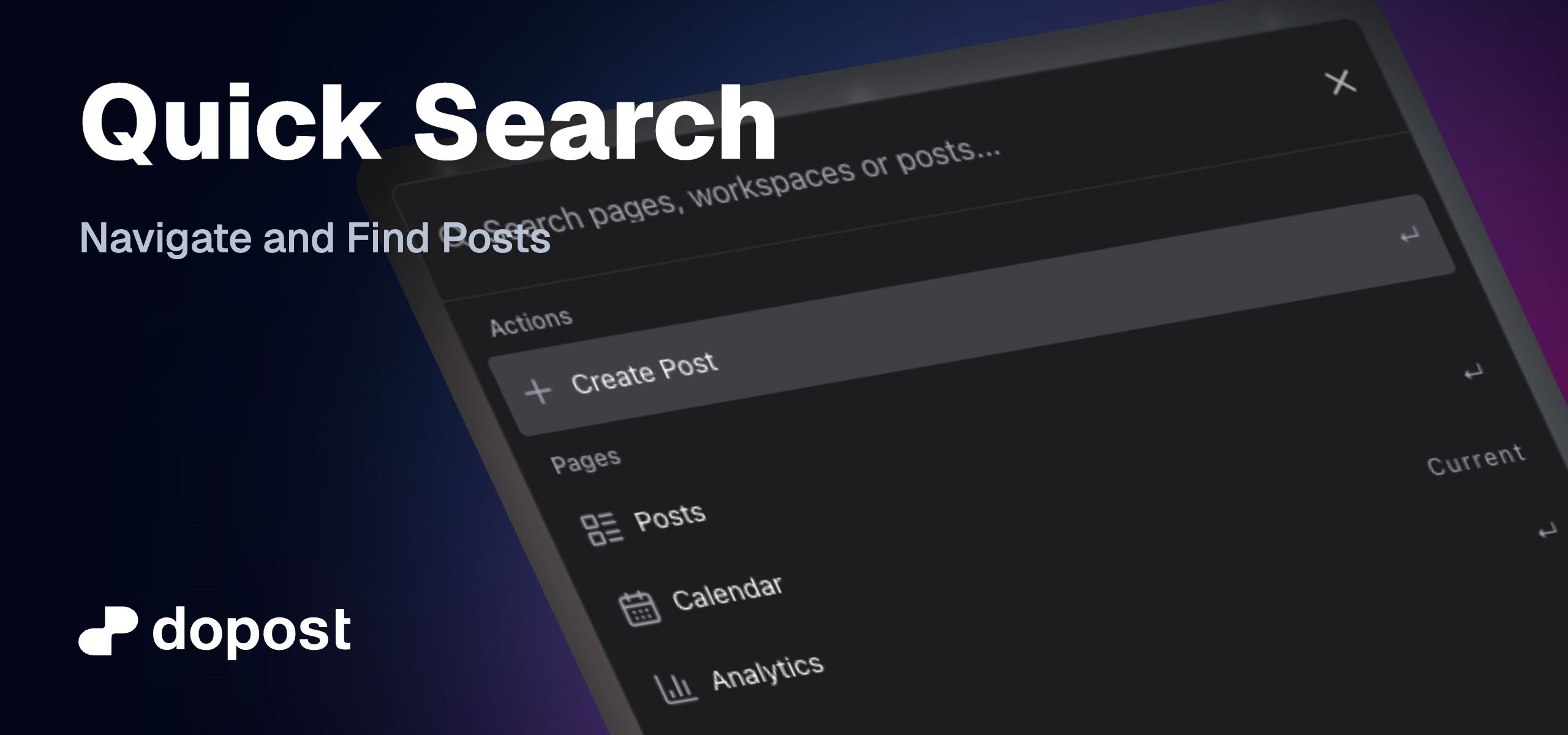
Quick Search gives you one place to move around DoPost, switch workspaces, and find your content without searching through menus.
Open it from Search in the sidebar, or press:
⌘ K in Mac
Ctrl K in Windows.
With Quick Search, you can:
Jump directly to pages, settings, and post sections.
Switch between workspaces.
Start creating a new post.
Find posts by their caption, title, or content in the active workspace.
See each post’s platform, account, and current status.
Open drafts and scheduled posts or duplicate published posts.
Start typing, select a result, and press Enter to open it.
August 1st, 2026

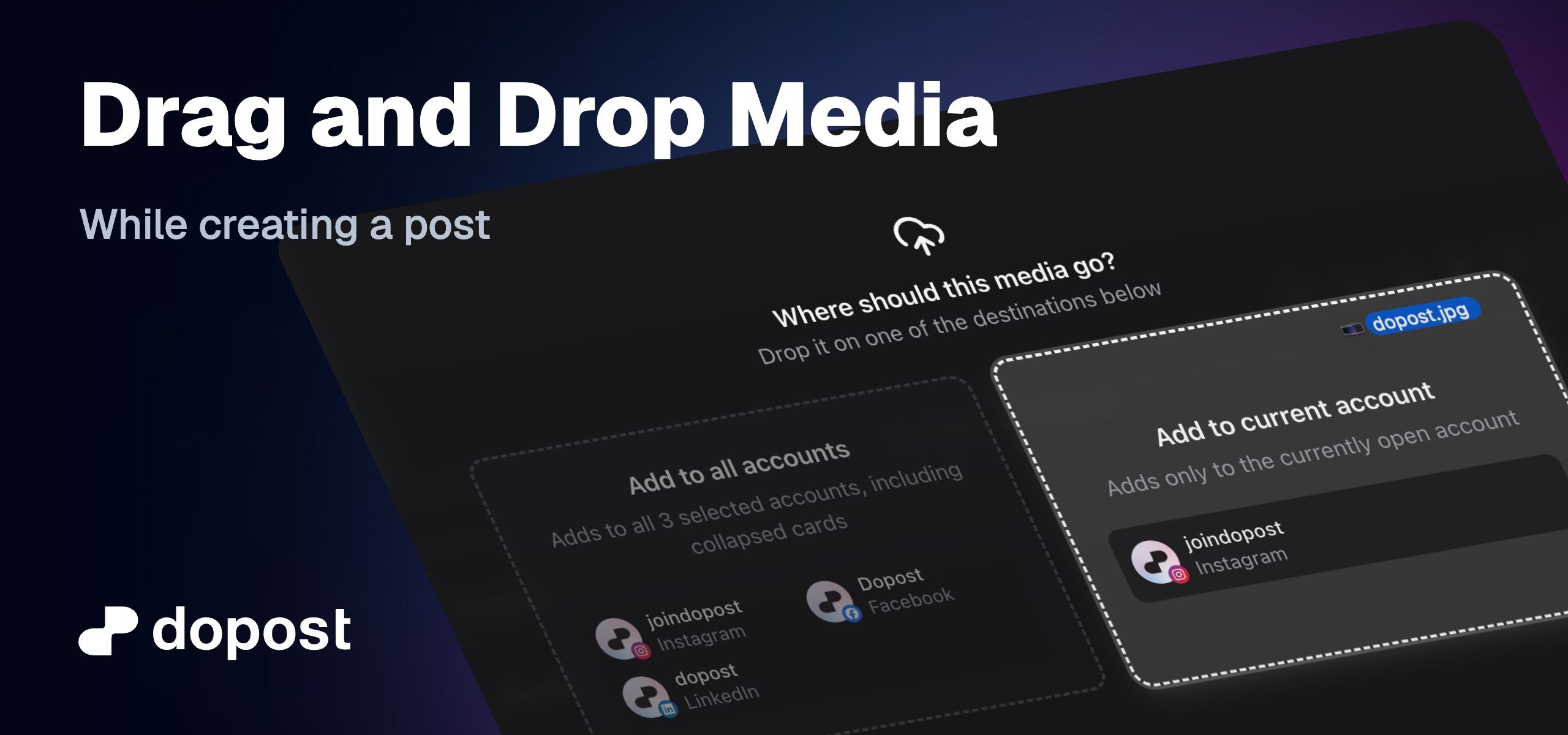
You can now drop photos and videos straight into Create Post instead of uploading them through Media Gallery first.
Supported formats are JPEG, PNG, GIF, MP4, and MOV, and you can drop up to 10 files at a time.
If only one account is selected, the media is added to that account. If several accounts are selected, you can choose to add it to all of them, or only to the account you’re currently editing.
July 31st, 2026

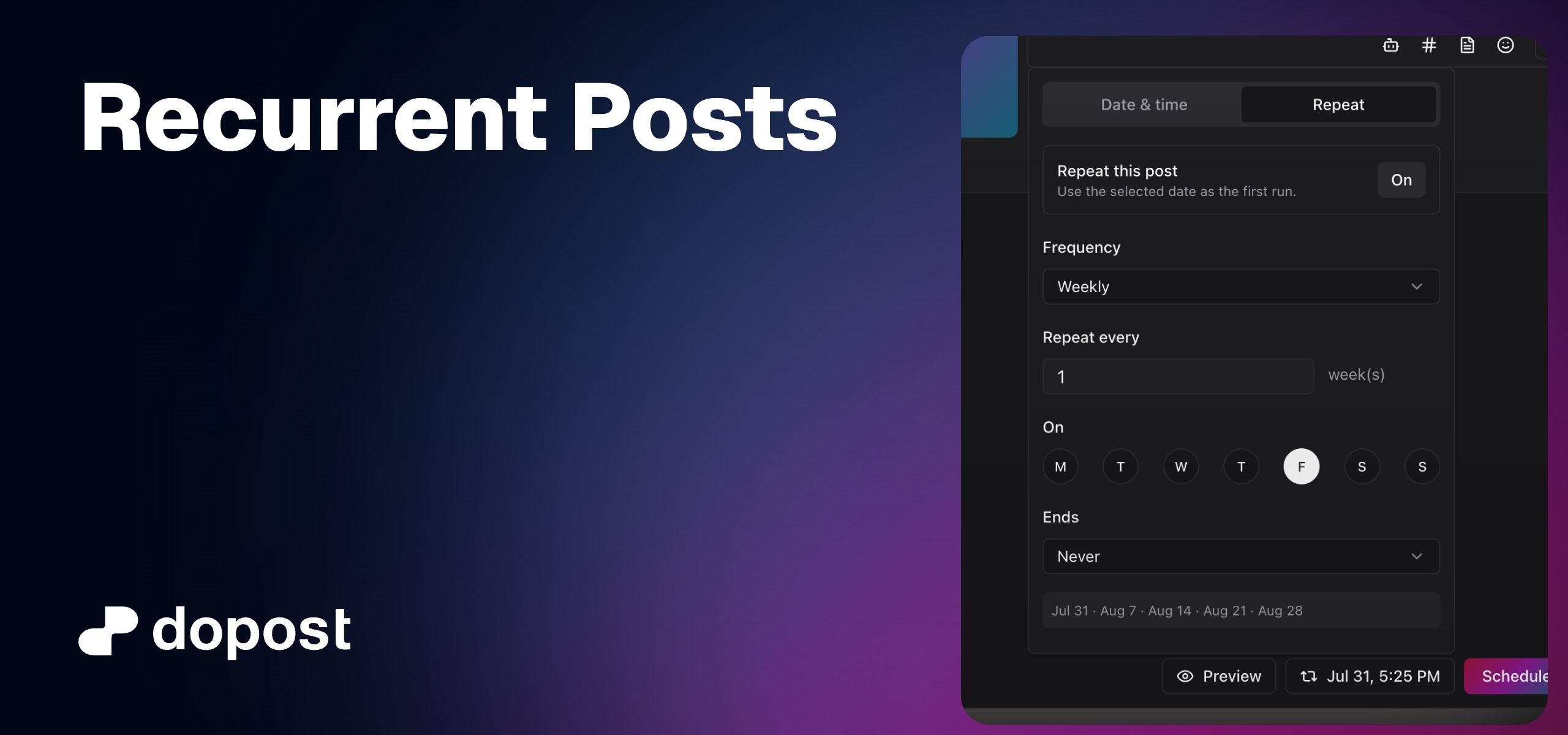
Schedule a post once and let it repeat automatically daily, weekly, or monthly across your connected accounts.
When you schedule a post, turn on Repeat to set how often it should go out. No need to recreate the same post every time.

Choose daily, weekly, or monthly, and set the interval (every day, every 2 weeks, every month, and so on). For weekly schedules, pick the exact weekdays.
Keep it running forever, stop on a date, or stop after a set number of posts.
Open any recurring post to pause, resume, edit, duplicate, or delete it. Pausing or deleting cancels queued posts, published posts stay in your history.
Recurring series show up clearly in your posts list, with the next run and how the series ends.

July 1st, 2026

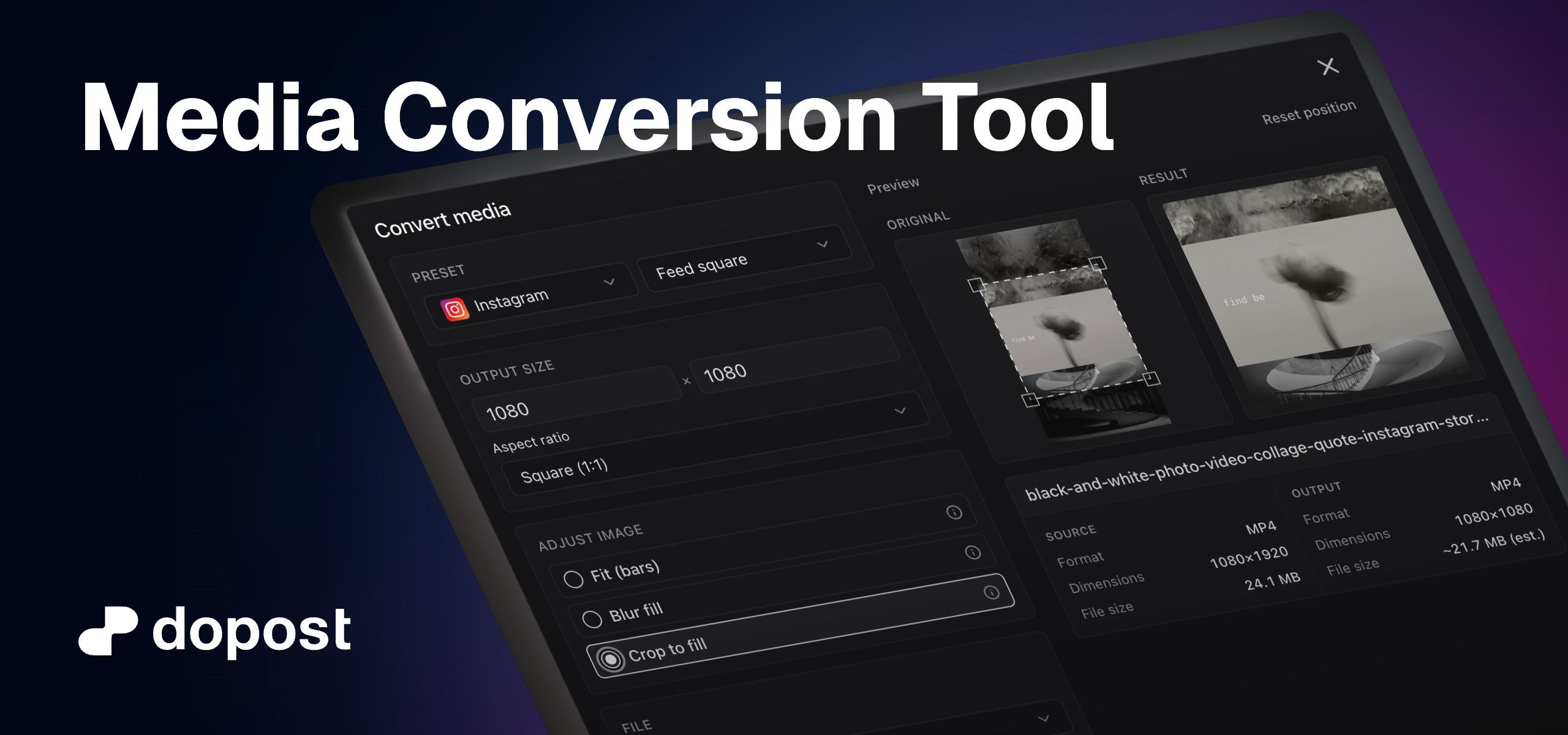
Resize, crop, and reformat images and videos right in your media gallery so they match each platform before you post.
What’s new
Convert from the media library
Open any image or video → Convert. No need to leave dopost or use another editor.
Platform presets
One-click sizes for Instagram, TikTok, Facebook, X, Bluesky, YouTube, LinkedIn, Pinterest, and Threads (feed, stories, reels, pins, and more).
Crop & fit controls
Choose how media fills the frame:
Fit with bars
Blur fill
Crop to fill
Stretch
Plus manual crop when you want precise framing.
Format & quality
Change output format (JPEG, PNG, MP4, MOV) and, for video, pick quality / compression.
Live preview
See original vs result, output dimensions, and an estimated file size before you convert.
Save your way
Save as copy - keeps the original and adds a new file
Replace original - updates the file everywhere it’s used ( Replace is blocked if that file is on scheduled posts )
May 1st, 2026
New

Connect dopost directly to your favorite tools. Use our MCP server with Claude Desktop or OpenClaw to manage social media through conversation.
Or use our HTTP API to automate workflows with n8n, Make, Zapier, and custom scripts. Available on Pro and above.
Learn more about our API:
March 9th, 2026


Live post previews — a new preview panel lets you see exactly how your post will look on each social platform before publishing, directly from the post composer.
Platform-accurate variants — previews are rendered with platform-specific layouts and styling for Instagram (light & dark), X/Twitter (with dynamic date formatting), TikTok, YouTube (thumbnail preview), LinkedIn, Facebook, Threads, Bluesky, and Mastodon.
Multi-image support — previews correctly display carousels and image grids matching each platform's native behavior.
Fixed icon color contrast in the media preview component for better visibility.
Fixed button width and layout alignment in the date/time picker form.
October 7th, 2025
New

You can finally connect your TikTok account and start posting or scheduling images, carousels, and videos directly from the app. Plan your content and publish automatically, all in one place.