Quickstart
1. Sign Up & Create Account
Visit dopost.co
Sign up with email or Google OAuth
2. Connect Social Media Accounts
(Instagram, TikTok, LinkedIn, X, Facebook…)
Go to Connections in the dashboard
Click Connect for each platform you want to use
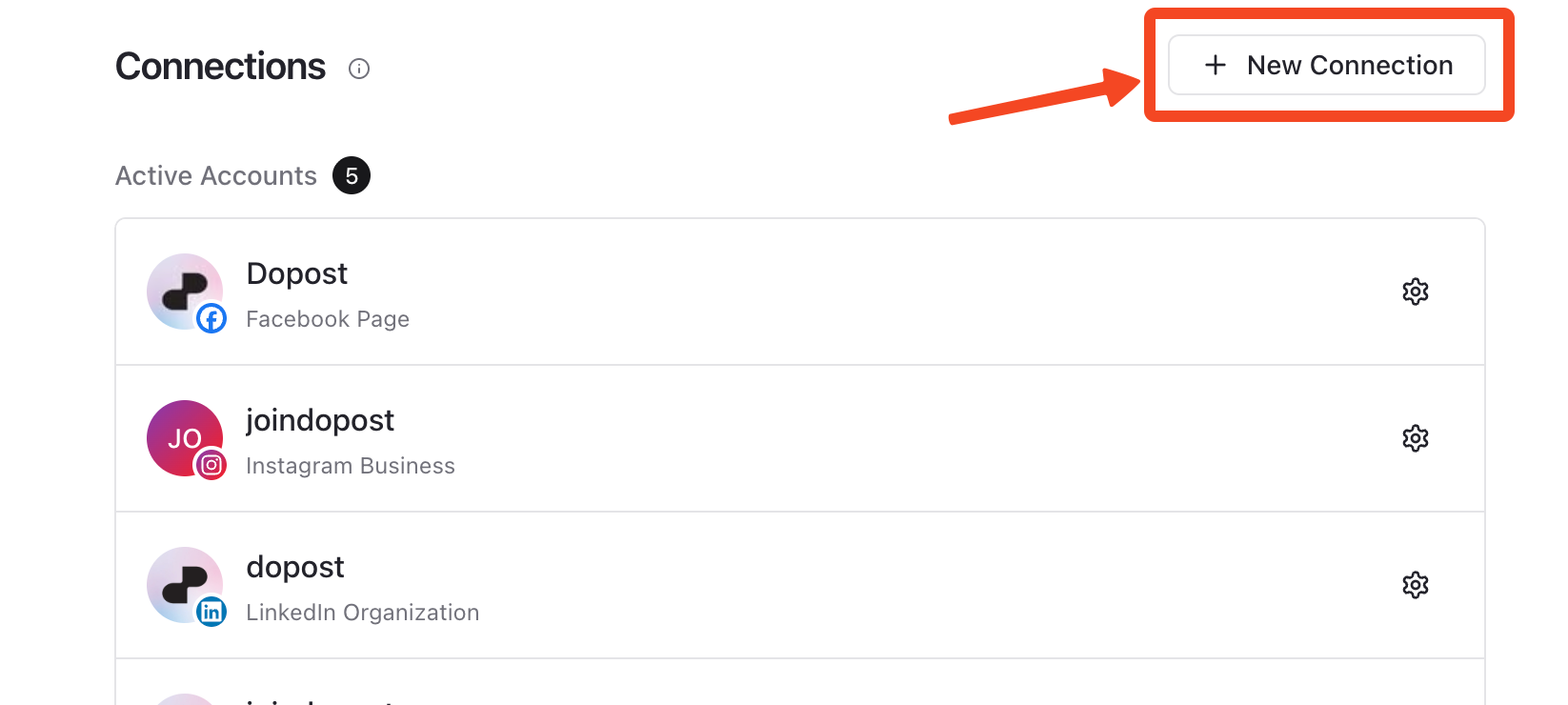
Authorize dopost to access your social media accounts
Verify connections are successful
3. Setup your Workspace
Your workspace will be created automatically. You can then edit it in the settings page
Set your timezone for optimal scheduling (recommended)
Add your hashtags to use them with one click (optional)
Add your snippets to avoid repetitive work (optional)
Add your favorite posting times presets (optional)
Add a workspace avatar/icon (optional)
Invite users to your workspace (View plans)
4. Create Your First Post
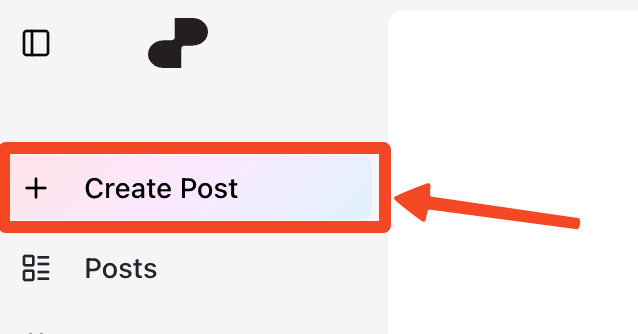
Click on Create Post
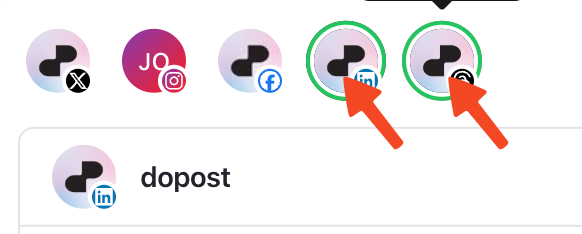
Select the social media accounts you want to post
Write your content or use AI to generate it
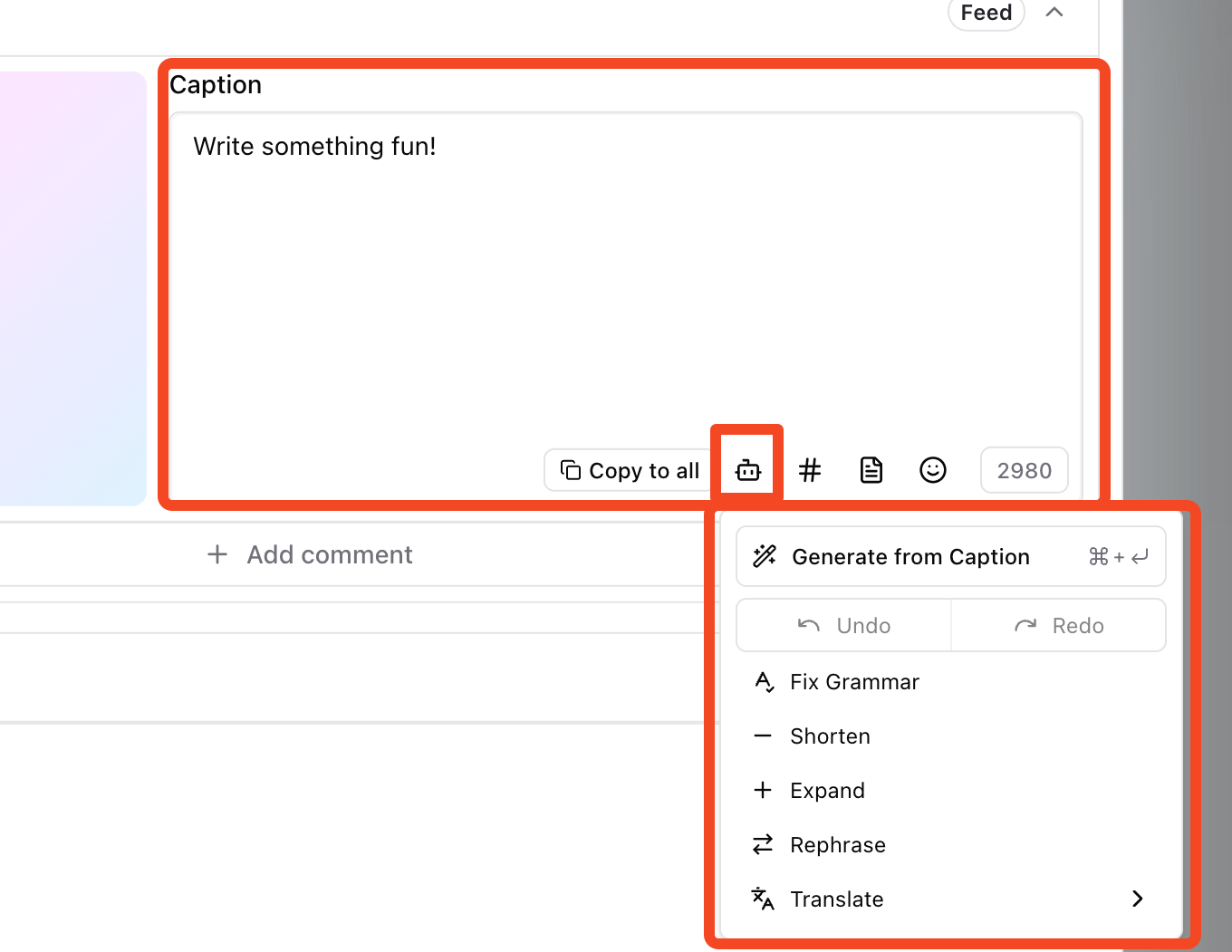
Add media (images/videos) if needed
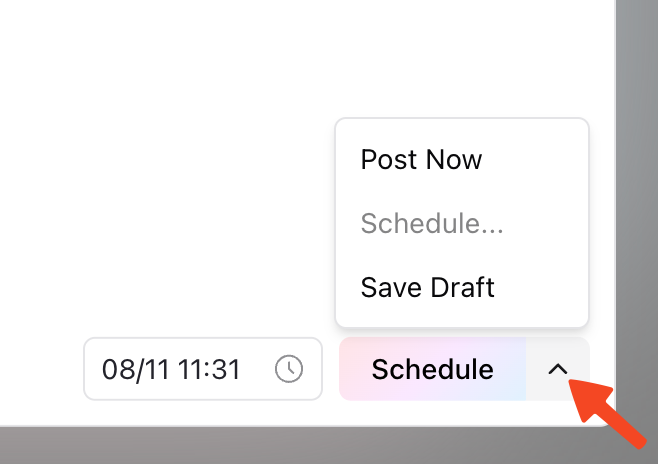
Publish Now - Immediate posting
Schedule - Set a specific date and time
Save as Draft - Save for later editing
5. Set Up Optimal Posting Times
Go to Settings → Time Slots
Configure your preferred posting hours for each day
6. Organize Your Content
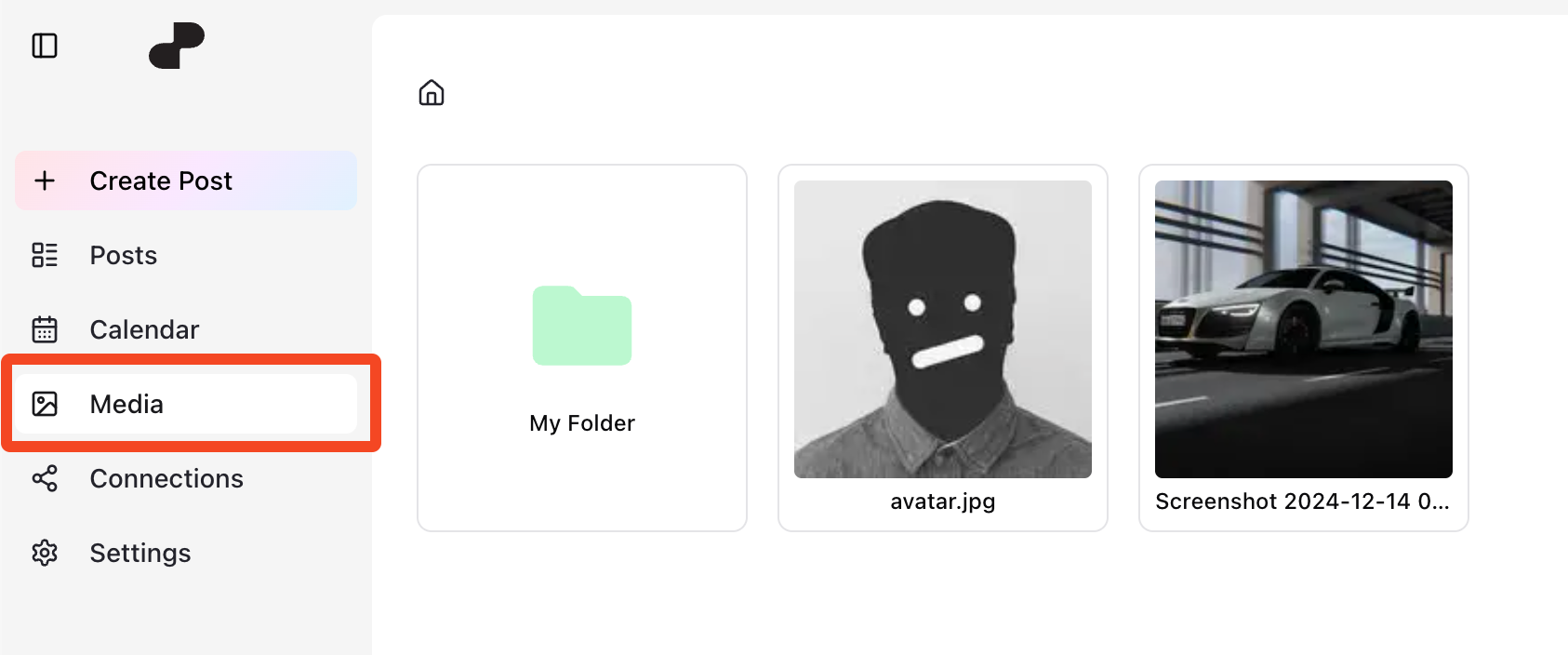
Use the Media Library to upload and organize your assets
Create Hashtag Collections for reusable hashtag sets
Set up Text Snippets for frequently used content
7. Visualize your scheduled posts
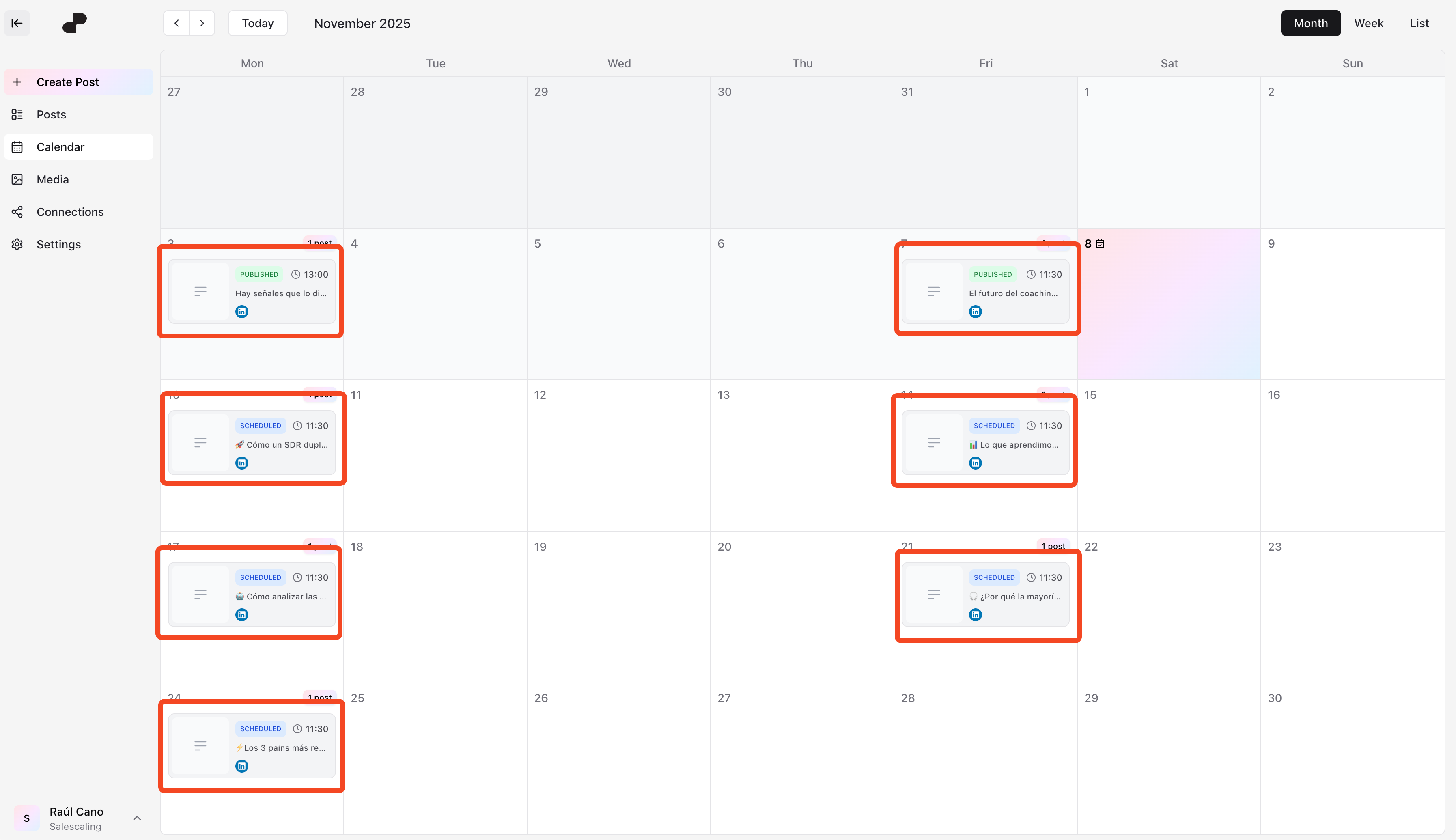
Check the Calendar view to see all scheduled posts